
Integrate POS, ERP, CRM's, eCommerce and more
It’s Easy with eSync. Two Way Sync and keep your inventory accurate. Simply click and connect in minutes! Connect your cloud applications and multi location brick-and-mortar stores to grow and automate your retail business.

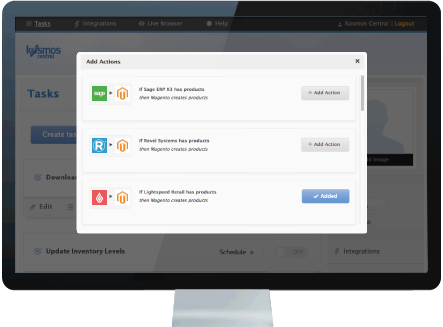
 Watch introduction to Kosmos eSync
eSync helps you sell in more places than ever.
Connect in minutes, no coding required. Easily integrate point of sale (POS), ERP and ecommerce applications to enable capabilities like multi-channel product listings, inventory sync, transferring online orders between stores, in-store pickup and omni-channel customer loyalty programs. Start free today!

Solutions to help you grow
In a 2016 study by Field Agent, “88% of customers say they use click-and-collect since there are no shipping costs. Additionally, 77% or customers feel it’s easier to find items online, while 51% of customers say they like the instant gratification of buy online, pick-up in-store (BOPUS).
Sell in more places
Automate inventory updates
Automate product updates
Automate fulfillment processes
Multi-location inventory (Inventory lookup)
Learn more.
Buy online, pick-up in-store (Click-and-collect)
Learn more.